

Velero: K8s Backup and DR
Your cluster will fail. Velero captures everything, manifests, CRDs, persistent volumes, and lets you replay it on a fresh cluster. Setup, gotchas, real DR plans.
All the articles with the tag "backup".
Your cluster will fail. Velero captures everything, manifests, CRDs, persistent volumes, and lets you replay it on a fresh cluster. Setup, gotchas, real DR plans.
Borg is open-source classic with SSH targets. Duplicacy has lock-free multi-source magic but commercial GUI. Here's which backup tool to pick.

rclone copies and syncs files to cloud storage. Restic does deduplicated encrypted snapshots. Confusing them costs you restores at 2 AM.
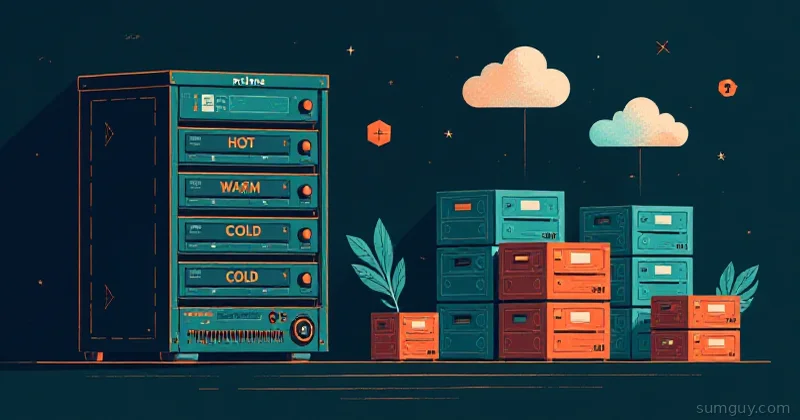
Backblaze B2 plus rclone builds a tiered home lab backup that survives AWS egress fees. Bucket layout, lifecycle rules, and the restore test people skip.
Set up Snapper on Btrfs to auto-snapshot before every system update, roll back broken machines in minutes, and never lose a working root filesystem again.
sanoid manages ZFS snapshot policies automatically, syncoid replicates them over SSH to remote pools, together they're the lowest-effort offsite backup strategy for any ZFS user.
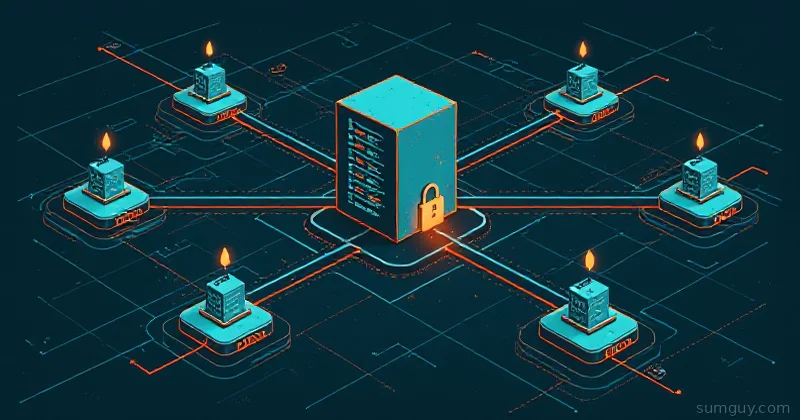
Stop letting every machine write directly to S3. Kopia repository server gives you shared dedup, per-host auth, and sane maintenance, all in one place.

Pipe ZFS incremental snapshots through WireGuard to a friend's NAS or a remote VPS. Encrypted in transit and at rest, no rsync.net bill or vendor lock-in.

Restic forget, prune, and check: right order, real retention flags, cron automation, and why --read-data on a large repo will ruin your whole weekend.
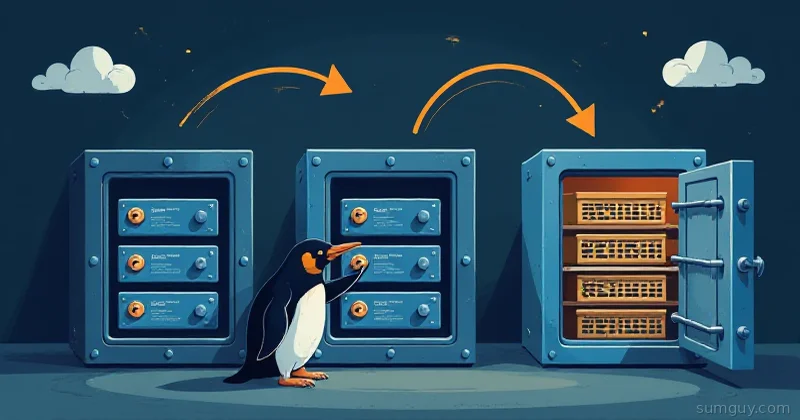
rsync is not a backup. Restic, Borg, and Kopia do deduplication, encryption, and incremental snapshots properly. Here's which one fits your home lab and why.
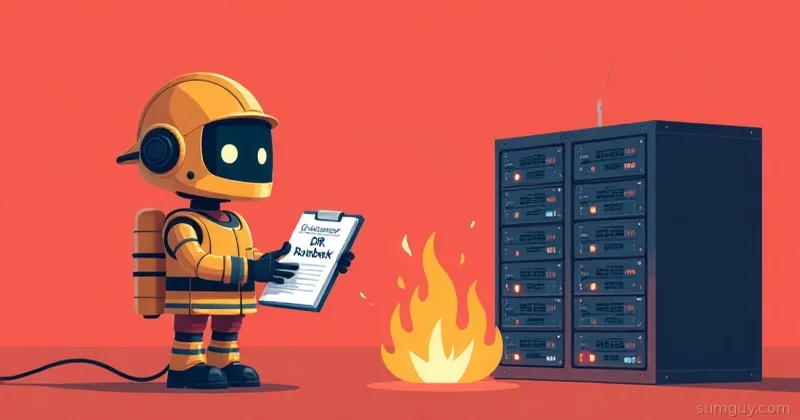
Backups and disaster recovery are not the same thing. Learn RTO and RPO, the 3-2-1 rule, Proxmox and Restic backups, and a runbook that survives a real outage.
You've got backups. Great. But do you know if they actually work? RTO and RPO mean nothing if you've never actually restored.