
Linux su with custom shell
·
Updated:
Use su with a specific shell to switch users without the default login shell, useful when /etc/passwd points to something unexpected.
All the articles with the tag "sysadmin".
Use su with a specific shell to switch users without the default login shell, useful when /etc/passwd points to something unexpected.

Service restart not showing logs? systemd hides stdout. Learn journalctl, systemctl status, and debugging workflows for silent systemd failures.
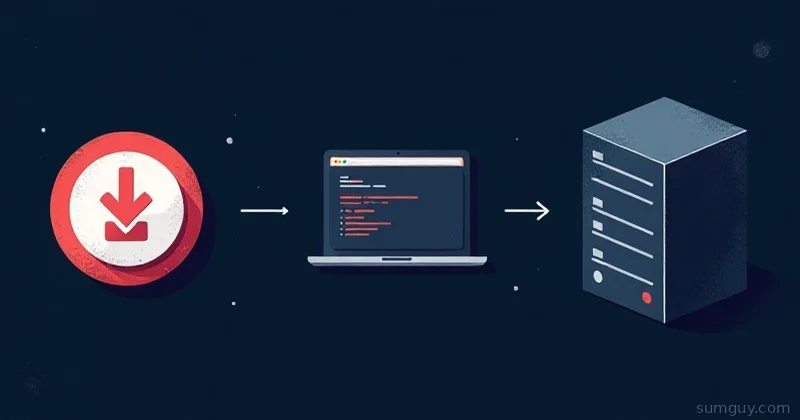
Upload an ISO to Proxmox three ways: web UI, wget onto the node, or SCP. Where ISOs live, why browser uploads stall, and how to fix storage with no ISO option.
Essential bash utilities for Ubuntu newcomers, file management, text processing, process control, and the commands you'll type every day.

Find your Linux distro version, kernel version, and architecture with uname, lsb_release, /etc/os-release, and hostnamectl.
Bulk rename files from bash: strip spaces and special characters with loops, parameter expansion, rename, and perl patterns. Test before you touch anything.
Fix 'Argument list too long' in bash when cp or rsync chokes on thousands of files, glob loops, find + xargs, and the ARG_MAX reason behind it.

Your disk is full and du is lying to you. ncdu, df, and find tricks to track down space hogs before your server goes down at 2 AM.

Out of RAM and no time to reimage? Add swap via a file on any partition using mkswap, swapon, and fstab, done in under 5 minutes.

Repair and optimize all MySQL databases at once with mysqlcheck, a one-liner that runs on every table without logging into MySQL.

Old kernels fill /boot until apt upgrades fail. Clear them with apt autoremove or dpkg purge on Ubuntu and Debian, plus the Proxmox quirk and how many to keep.

Master MySQL from the command line: connect, query databases, manage users, repair tables, optimize, everything you keep Googling, one reference.