Btrfs Will Let You Build It. The Kernel Docs Will Quietly Warn You.
mkfs.btrfs -d raid5 works. It completes without errors. Your drives spin up, the filesystem mounts, files copy over fine. You feel good about yourself.
Then you read the upstream Btrfs status page.
The Btrfs kernel documentation still lists RAID 5/6 as unstable, it has for years. Not “experimental, proceed carefully.” Unstable, with known data-loss scenarios. The man page doesn’t shout this at you. The mkfs tool doesn’t refuse. So people build it, run it in production, and then they’re in the forums at 2 AM asking why half their files are corrupted after a power outage.
Here’s what’s actually happening.
What the Btrfs Write Hole Actually Is
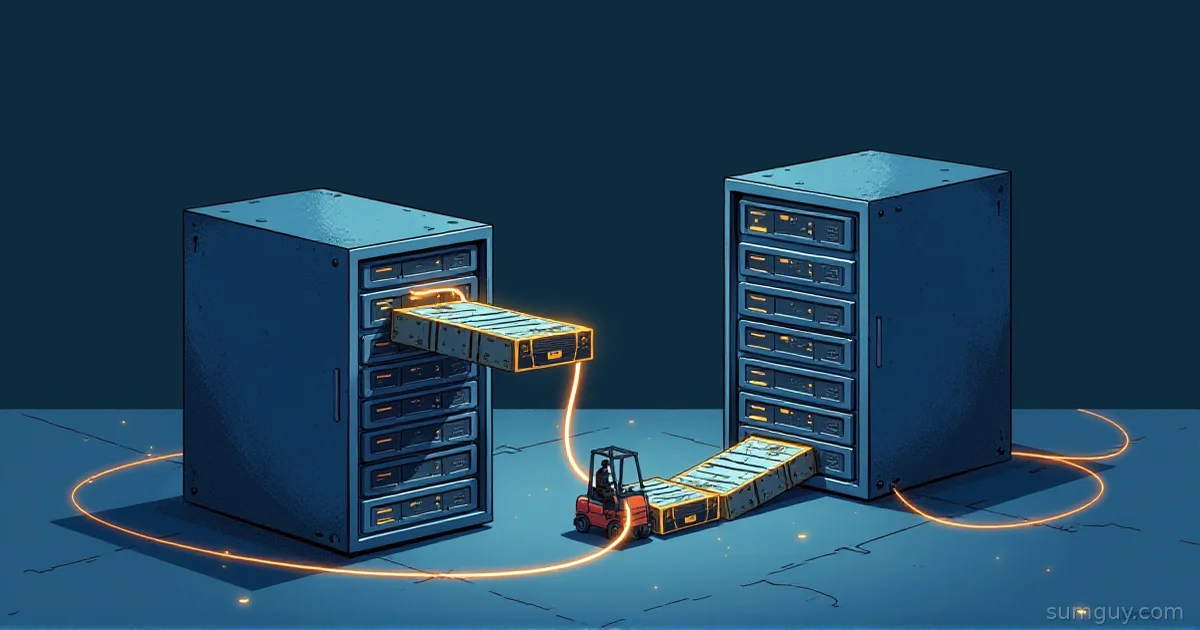
Parity RAID, whether it’s RAID 5, RAID 6, hardware RAID, or software mdadm, has a fundamental timing problem: writing a stripe requires updating both the data blocks and the parity block. These are separate writes. If power dies between them, the parity no longer matches the data.
On the next drive failure, the array tries to reconstruct data using the parity, but the parity is stale. You get corrupted data that looks valid. No checksum failure. No error logged. Just wrong bytes in your files.
This is the write hole. It’s been a known problem in RAID 5/6 forever. Hardware RAID controllers handle it with a battery-backed write cache (BBU), they buffer the pending stripe update and replay it after power returns. ZFS handles it through its CoW transaction model: a transaction either commits completely or doesn’t commit at all, so partial stripe writes can’t strand the array in a bad state (see ZFS vs Btrfs for the full CoW explanation).
Btrfs RAID 5/6 has neither. Btrfs is copy-on-write at the file level, but its parity RAID implementation doesn’t extend that transactional safety to the parity calculation. A power loss mid-stripe leaves the parity in an inconsistent state. When a drive then fails during rebuild, and during the rebuild you’re reading every sector of every surviving drive, which is exactly the workload most likely to surface latent bad sectors (see RAID rebuild math), the reconstruction can silently produce wrong data.
There are also known bugs in the scrubbing and reconstruction code. The upstream status page is explicit: don’t use it for data you care about.
Why Btrfs RAID 1 and RAID 10 Are Fine
Mirror-based redundancy doesn’t have a parity-update timing problem. When Btrfs writes a block in RAID 1 mode, it writes the full block to two (or more) locations. If power dies mid-write, the surviving copy is intact. On read, Btrfs checks both copies and picks the healthy one.
No parity. No timing window. No write hole.
Btrfs RAID 1 and RAID 10 have been stable for years and are production-ready. If you’re building a multi-drive Btrfs setup, this is the layout to use:
# Four drives, data mirrored, metadata mirroredmkfs.btrfs -d raid1 -m raid1 /dev/sda /dev/sdb /dev/sdc /dev/sddIf you want three- or four-copy mirroring (for extra resilience or larger pools), Btrfs also has raid1c3 and raid1c4. These are newer but stable, and they’re what you should reach for if you want more redundancy than RAID 1 provides, not RAID 5/6.
The tradeoff is capacity: RAID 1 mirrors every byte, so you get 50% usable space from your drives. If raw capacity is the constraint, read the alternatives below.
What the Kernel Docs Actually Say
The upstream Btrfs status page (btrfs.readthedocs.io/en/latest/Status.html) breaks features down by stability status. RAID 5/6 is listed as having known issues with the write hole and incomplete data reliability guarantees. The Btrfs wiki echoes this. The status hasn’t changed in years.
This isn’t obscure. It’s in the official docs. It just doesn’t appear anywhere in the tool output when you’re building the array.
Real-World Failure Modes
The scenarios that actually kill Btrfs RAID 5/6 arrays:
Power loss during heavy writes. Parity stripe is partially updated. Array looks healthy on remount. First drive failure after this point corrupts files without warning.
Scrub on a degraded array. One drive missing, you kick off a scrub to check integrity. The scrub reads data and reconstructs missing blocks using parity, parity that might be stale from a previous write hole. The scrub reports errors. Or worse, it doesn’t report errors but silently corrects to wrong data.
Drive replacement under write load. The rebuild reads the full surviving array while new writes are coming in. Parity updates and rebuild reads are racing. This is exactly the scenario where partial stripe writes compound with mid-rebuild inconsistency.
The forum threads write themselves. “Lost half my data after replacing a failed drive.” “Btrfs scrub found thousands of errors after a power outage.” “Rebuild finished but files are corrupted.”
The Alternatives
If you need parity-based redundancy (i.e., you want more than 50% usable capacity), here’s what actually works:
ZFS RAID-Z2. Two-fault-tolerant, no write hole, checksums everything, proven in production for years. The go-to for home lab NAS builds when you have 4+ drives. See RAID-Z and dRAID explained for the full setup. The downside: ZFS doesn’t live in the Linux kernel, so installation varies by distro.
mdadm RAID 6 + Btrfs single. Layer a kernel-native RAID 6 under Btrfs, then format the resulting /dev/md0 with Btrfs in single-device mode:
# Build the RAID 6 at the block levelmdadm --create /dev/md0 --level=6 --raid-devices=5 /dev/sd[abcde]
# Format with Btrfs: single device profile since mdadm handles redundancymkfs.btrfs -d single -m raid1 /dev/md0
You get kernel-native RAID 6 parity (mdadm closes the write hole with PPL, partial parity log, or a dedicated write-journal device), Btrfs snapshots and checksums on top, and no Btrfs-level parity nonsense. See RAID 6 vs RAID 10 for the capacity and resilience tradeoffs before picking your layout.
bcachefs erasure coding. bcachefs was in mainline from 6.7 until Linus pulled it in 6.18 (late 2025), it now lives out-of-tree as a DKMS module you install and rebuild on every kernel bump. Erasure coding is on the roadmap and some builds are using it, but it’s still not stable enough for production data, and the DKMS dance means it’s no longer the “just enable it in your distro kernel” option it briefly looked like. Worth watching, not worth trusting yet.
The Rule
If you’re building a Btrfs array and you find yourself typing raid5 or raid6, type raid1 instead. The kernel docs told you. Now I’m telling you. That’s two warnings for free.